Automation pillar
Automation

Ecommerce automations that reduce manual work, errors and operational delays.

A guide to connecting Shopify, CRM, email, spreadsheets, inventory and support tools into reliable workflows that run while the team sells and serves customers.

Automate my ecommerce
Who this is for
  • Online stores managing orders, customers and promotions with too many manual steps.
  • Teams connecting Shopify, Brevo, CRM, spreadsheets and no-code tools.
  • Growing businesses exposed to operational chaos, delays and duplicated data.
Expected outcomes
Orders, leads and customer requests routed automatically.
Clean customer data across ecommerce, CRM and email marketing.
Automatic alerts for errors, stock risk, carts, VIP customers and follow-ups.
Documented and monitored workflows that can evolve over time.
01

Automate bottlenecks first

Not everything should be automated immediately. Prioritize repetitive high-impact steps: lead management, order notifications, customer segmentation, cart recovery, post-purchase follow-up and data synchronization.

  • Map manual tasks and time lost every week.
  • Prioritize by volume, human error and revenue impact.
  • Automate one workflow at a time with tests and rollback.

02

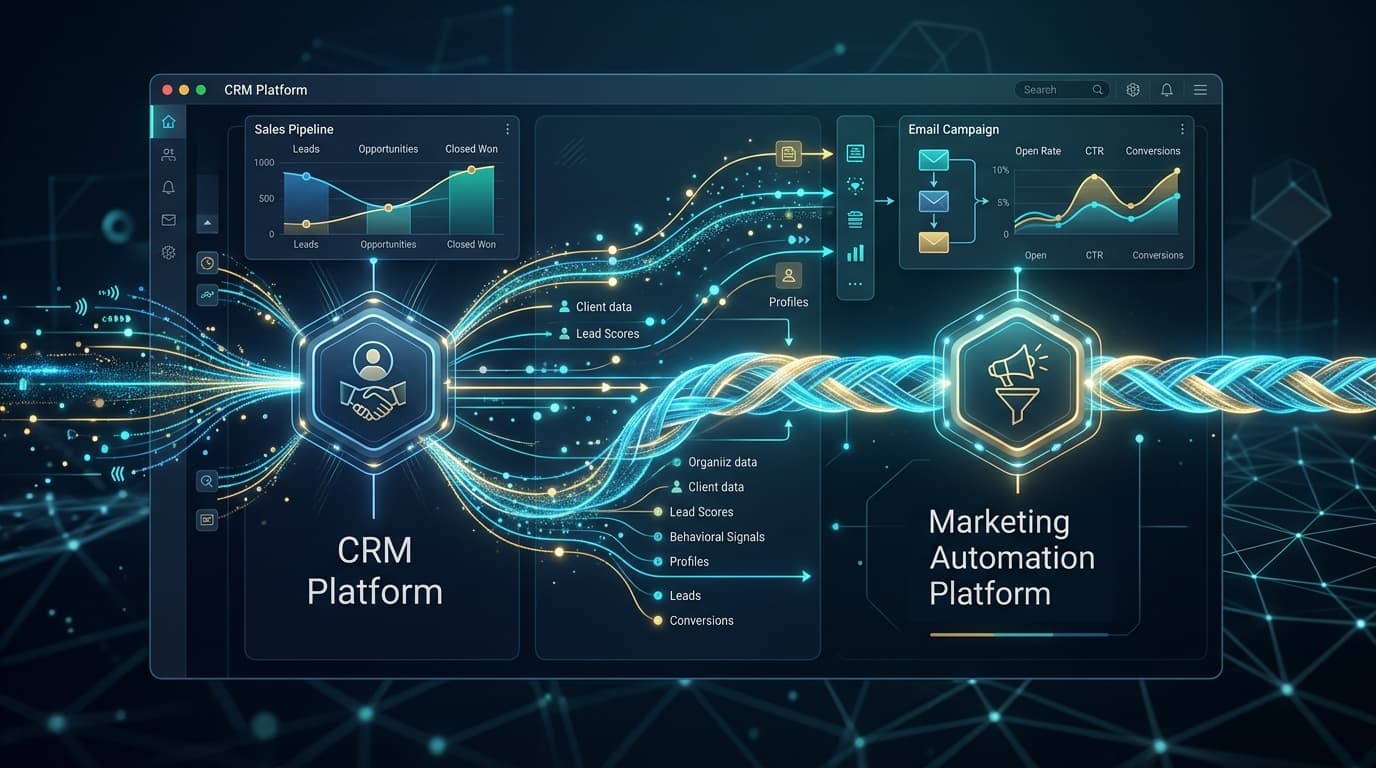
Connect ecommerce, CRM and email marketing

The most profitable automations happen when ecommerce data feeds CRM and email marketing. A new customer, repeat purchase or viewed product should become a segment and action, not an isolated event.

  • Segments by customer value, purchased category and frequency.
  • Triggers for welcome, post-purchase, winback and upsell.
  • Bidirectional sync only where it is really needed.
03

Build workflows with error handling

An automation without error handling is fragile. Every scenario needs logs, alerts, retries and a clear process to fix missing data or temporarily unavailable APIs.

  • Centralized log for every critical automation.
  • Slack/email notifications only for actionable errors.
  • Technical documentation with owner and recovery procedure.
04

Measure automation value

Success is not having many Make or Zapier scenarios. It is reducing operational hours, response time, errors and missed opportunities. Every automation should have a business KPI.

  • Hours saved per week.
  • Leads or orders handled without manual work.
  • Revenue from cart recovery, upsell and automated follow-ups.
Ecommerce automation checklist
Inventory of manual processes and involved tools.
Customer, order, product and consent data map.
Priority to workflows impacting revenue or customer experience.
Error monitoring and documentation for every scenario.
Monthly review of performance and new automation opportunities.
Related articles
Frequently asked questions
Which ecommerce automations should come first?
Lead/order routing, cart recovery, post-purchase flows, customer segmentation and alerts for errors or stock risk usually show ROI first.
Is Make, Zapier or n8n better?
It depends on complexity, volume, budget and data-control needs. Make is strong for complex logic, Zapier for simplicity and n8n for more control.
Do automations replace the team?
No. They remove repetitive work and reduce errors so the team can focus on sales, support and optimization.
Want an ecommerce operation that runs cleaner?

I analyze your processes and build practical automations with Make, Zapier, Shopify, CRM and email marketing tools.

Automate my ecommerce

Have a project in mind?

Tell us the problem. We'll build the solution.

Let's talk