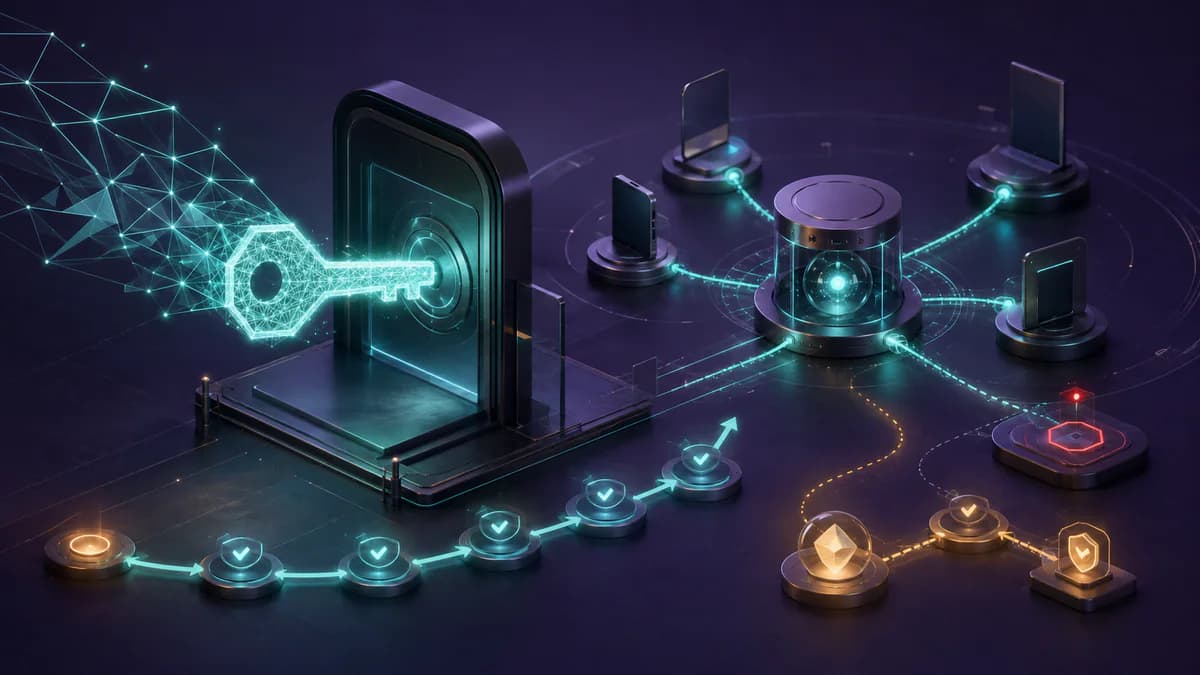
Passkeys are an identity programme, not a new button
Ecommerce authentication spans registration, sign-in, order history, loyalty, B2B profiles, support and account recovery. Adding passkeys only to the login screen leaves the hardest decisions unresolved: when to offer creation, how to handle multiple devices, which alternative to present and how to restore access without weakening the system. Guest checkout must remain an independent route; buying without an account should not depend on WebAuthn availability.
A passkey is a public-key credential bound to a service. The device protects the private material, while the server stores the public key and credential identifier. A local gesture may use device unlock, a PIN or biometrics, but biometric data is not sent to the merchant. This does not justify promises of zero phishing or fraud, and passkeys, biometrics, MFA and a particular assurance level should not be treated as automatic equivalents.
Define scope, baseline and stop criteria
Map accounts, risk and dependencies
Before writing code, list every point where identity changes an action: account creation, login, address updates, order access, stored payments, loyalty credit, B2B roles and support. For each journey, record the required session, any extra check, fallback channel, authorised origin and operational owner. If authentication spans domains or subdomains, document the relying-party boundary explicitly rather than inferring it from the interface.
Collect a baseline without inventing benchmarks: attempts and successes by phase, abandonment, errors by browser and operating system, recovery requests, support contacts, and checkout completion for authenticated and guest customers. Define internal pause and rollback thresholds that reflect your risk. The objective is not to claim a conversion uplift in advance, but to see whether the new route works without degrading access, purchase or recovery.
Design WebAuthn ceremonies and data correctly
Registration: server challenge and controlled binding
To create a credential, the server generates a random, short-lived, single-use challenge and sends options consistent with the RP ID and allowed origins. The browser and authenticator return a response; the backend verifies the challenge, origin, RP ID and required properties before binding the credential to an already identified account. Store at least the credential ID, public key, linked account and the minimal metadata needed for management. Do not treat a user-facing device label as security evidence.
A cautious moment for offering creation is after successful authentication or a completed purchase, through a non-blocking prompt with context before and after the operating-system dialogue. People should understand what will happen, be able to cancel and continue their task. Attestation should not become a blanket requirement for consumer accounts; consider it only when the threat model genuinely requires restrictions on authenticators.
Authentication: verify the proof, not merely a browser response
During sign-in, the server issues a fresh challenge and confirms that the response belongs to a registered credential. Validation covers challenge, origin, RP ID, cryptographic signature and the user-verification requirements chosen for that context. Expired or replayed challenges must be rejected. A successful result should create a session protected like sessions from other methods, including identifier rotation, expiry, revocation and protection for sensitive actions.
RP ID and origin require explicit tests in production, preview and development environments. A domain change or inconsistent configuration can make valid credentials unusable. Do not broaden the boundary merely to hide a configuration fault. Version the settings, connect events through a correlation ID that contains no secrets and record useful failure categories without retaining challenges, biometric data or unnecessary personal information.
Start with an additive, reversible rollout
Feature flags, cohorts and non-blocking journeys
Begin with staff and test accounts, then expose controlled cohorts through a feature flag. Separate permission to register a passkey from permission to sign in with one; this lets the team stop new enrolments without removing access from people who already have a valid credential. Keep passwords, OTP or other fallbacks required by the risk model until compatibility, recovery and support have been observed across a sample appropriate to your traffic.
Present the option where the customer already has trusted context, never as a barrier to payment. In authenticated checkout, a WebAuthn error should return to an understandable choice; guest checkout must not inherit it as a prerequisite. Synchronisation and availability differ across ecosystems, so test a new device, a browser without the credential, an external authenticator, private browsing and mobile-to-desktop transitions without promising uniform credential transfer.
Support multiple credentials per account
An account should be able to hold several passkeys so that adding another device does not automatically become a recovery incident. Provide a management view where people can rename and revoke credentials while seeing useful, non-sensitive details such as addition date and last use. Changes should require recent authentication or a control proportionate to risk; an old session should not be enough to add a new access route.
Plan for a credential deleted from the device but still listed in the account, and for one revoked on the server. Revocation must take effect at the backend, while high-risk sessions may need fresh verification. Send notifications for additions and removals through a previously verified channel, including a way to report unexpected activity without exposing account existence to unrelated recipients.
Treat recovery as a separate system
Identification, verification and rebinding
Recovery is not the fallback shown after every failed login; it is a distinct, higher-risk route. Initial responses should limit account enumeration and automated attempts. Apply rate limits, risk signals and consistent messages and timing, without relying on personal questions that are easy to discover. Verification depth depends on account value, B2B privileges and the actions available after access is restored.
After successful verification, revoke or review suspicious credentials, handle existing sessions, notify the user and guide the binding of a new passkey. Record who initiated and completed each step while retaining only necessary data. A support operator should not be able to bypass controls silently: exceptions need procedures, authorisation and a verifiable audit trail.
Measure adoption, reliability and checkout impact
Build separate funnels for passkey offer, creation start and completion; for sign-in, measure selection, challenge issuance, verification and session creation. Segment by browser, operating system, device class, flow version and error category while keeping groups broad enough to protect privacy. Also observe fallback use, recovery starts and completions, revocations, support contacts and completed orders for authenticated and guest customers.
Do not classify a dismissed prompt as a cryptographic failure. Separate cancellation, incompatibility, timeout, incorrect RP ID or origin, missing credential and failed verification. Connect client signals to server outcomes without logging secrets. An operational dashboard should make it possible to pause a cohort, disable new enrolments and confirm that legacy login and guest checkout still work.
When to reduce legacy methods
Removing passwords or OTP is a later decision, not part of the first release. It requires compatible coverage, tested recovery, multiple-credential management, trained support and stable metrics in relevant segments. Review consumer, loyalty and B2B accounts separately because their value, constraints and consequences of lockout differ. NIST provides an authoritative technical model, not a universal regulatory mandate for every ecommerce business.
A successful rollout makes identity more manageable as well as more modern. Design WebAuthn boundaries, retain risk-appropriate fallback and verify recovery before pushing adoption. To connect authentication, checkout and observability in one roadmap, explore our ecommerce systems services. If you want to assess domains, account journeys and release gates for your store, contact AE Digital Agency for a progressive, verifiable plan.
Frequently asked questions
Is a passkey the same thing as device biometrics?
No. A passkey is a public-key credential. Biometrics, a PIN or another device unlock may authorise local use, but biometric data is not sent to the ecommerce merchant.
Should passkeys immediately replace passwords and OTP?
No. The first rollout should be additive and reversible. Legacy methods can be reconsidered only after compatibility, recovery, support, multiple credentials and account-specific risks are understood.
How can passkeys avoid blocking checkout?
Offer creation at non-blocking moments, provide a clear fallback from login and keep guest checkout independent of WebAuthn. Segment and monitor errors rather than forcing enrolment during payment.
What belongs in passkey account recovery?
Recovery needs anti-enumeration and automation controls, risk-appropriate verification, session handling, suspicious-credential revocation, notifications and controlled binding of a replacement passkey.
Related articles
Ecommerce Content Security Policy: a safe rollout for checkout and analytics
An implementation guide to introduce CSP without breaking payments, consent or measurement: dependency inventory, Report-Only, nonces, journey tests and canary enforcement.
Ecommerce accessibility and WCAG 2.2: building an inclusive checkout
A practical framework for auditing product discovery, cart and payment, removing barriers and making accessibility part of ecommerce delivery.
DNS, domain and hosting: technical guide to configuring everything correctly
Understanding the difference between registrar, DNS, hosting and server. How to configure Cloudflare, SSL, MX records and everything needed for solid infrastructure.